
Candidate Profiling : a Guide with Template

Leverage your Interview Data
AI interview notes, scorecard, follow-up, ATS integration, and more...
.svg)
.svg)
Your hiring team may already know when a candidate feels “good.” But can everyone explain why?
Candidate profiling helps solve this issue.
In this guide, you’ll learn what candidate profiling is, how to build a comprehensive candidate profile, and get a candidate profiling template.
What Is Candidate Profiling?
Candidate profiling is the process of defining what a successful candidate should look like for a specific role.
It helps your hiring team move from a vague idea like “we need someone senior” to a clear, shared profile based on skills, experience, behaviors, motivation, and role expectations.
In simple terms, a candidate profile is your internal hiring reference.
It tells your recruiters and hiring managers what to look for before they start sourcing, screening, and interviewing candidates.
A good candidate profile usually includes:
- The role’s mission.
- The outcomes expected from the hire.
- Required skills and experience.
- Nice-to-have qualifications.
- Behavioral competencies.
- Motivation signals.
- Salary, location, and availability criteria.
- Red flags.
- Interview questions.
- Evaluation scorecard.
How to Do Good and Comprehensive Candidate Profiling
A comprehensive candidate profile helps your team agree on what matters before you start screening people.
Start with the role outcomes
Before listing skills, define what the person will need to achieve.
This is one of the most important steps. Many job profiles start with requirements like “5 years of experience” or “strong communication skills,” but these criteria are not always specific enough.
Instead, ask your hiring manager:
- What should this person accomplish in the first 90 days?
- What should they own after 6 months?
- What results should they deliver after 12 months?
- Which problems will they be expected to solve?
- What would make this hire successful?
Separate must-have and nice-to-have criteria
A good candidate profile should not become a wish list.
If every skill is marked as required, your recruiters may reject strong candidates too early. You may also make the role harder to fill than it needs to be.
Separate your criteria into clear categories:
- Must-have: The candidate cannot succeed without this.
- Nice-to-have: Useful, but not essential.
- Trainable: Something your team can teach after hiring.
- Deal-breaker: A real blocker for the role.
- Flexible: A criterion you can adjust if the candidate shows strong potential.
Align with your hiring team before sourcing
Candidate profiling should not be done by one person alone.
Your recruiter, hiring manager, and interviewers should agree on the profile before the first candidate is contacted. This prevents confusion later.
Candidate Profiling Template
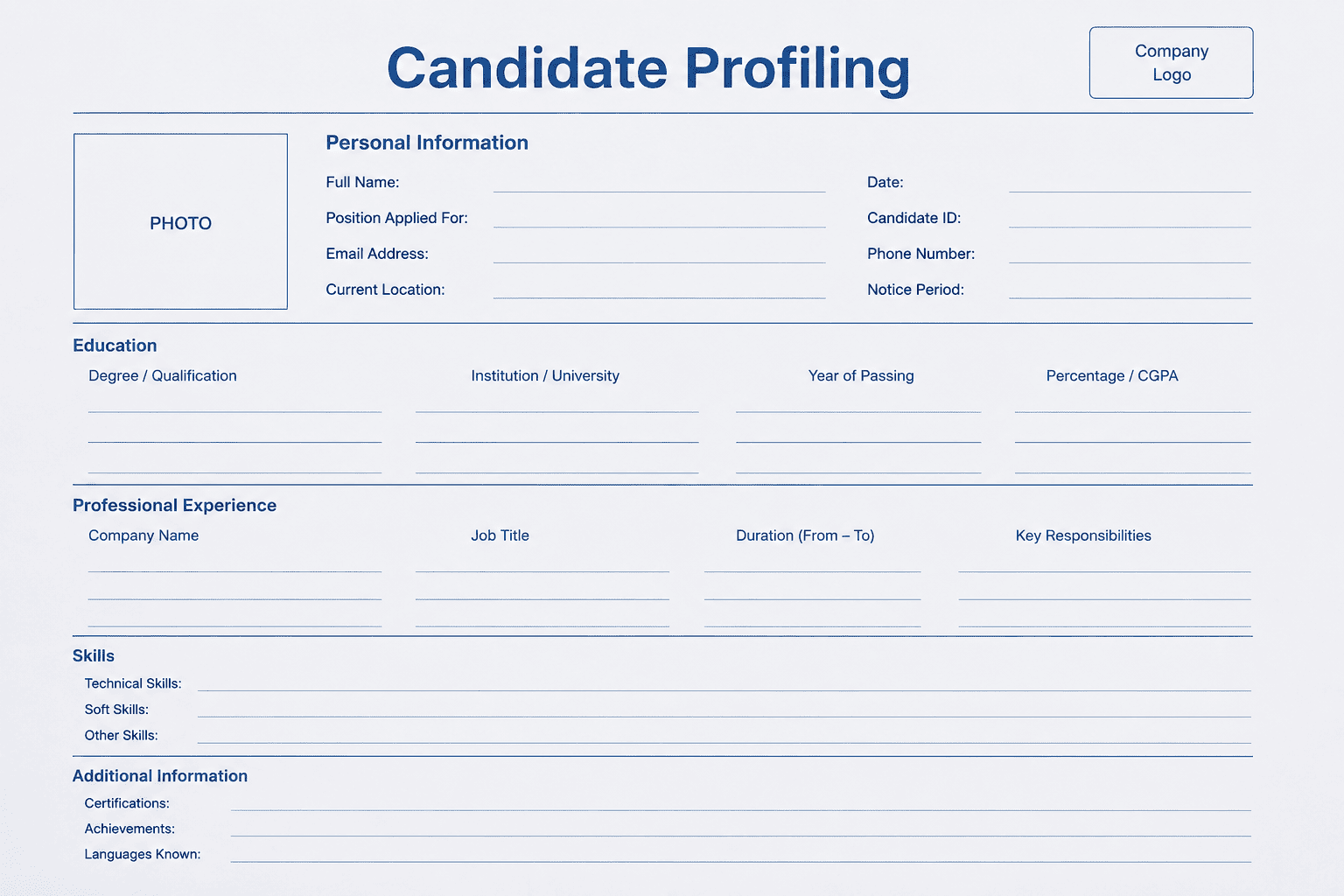
Here is a candidate profiling template your team can copy, paste, and personalize.
Candidate profiling template
1. Role information
Job title: [Insert job title]
Department: [Insert department]
Hiring manager: [Insert name]
Recruiter: [Insert name]
Location: [Remote / Hybrid / On-site + city]
Contract type: [Full-time / Part-time / Freelance / Internship]
Salary range: [Insert range]
Target start date: [Insert date]
Reason for hiring: [Replacement / New role / Team growth / Backfill]
2. Role mission
In one sentence, this person will be responsible for:
[Insert the main mission of the role.]
Example:
“This person will be responsible for building a qualified outbound pipeline and booking sales opportunities with mid-market SaaS companies.”
3. Success outcomes
In the first 3 to 6 months, this person should be able to:
- [Outcome 1]
- [Outcome 2]
- [Outcome 3]
- [Outcome 4]
4. Must-have criteria
The candidate must have:
- [Must-have 1]
- [Must-have 2]
- [Must-have 3]
- [Must-have 4]
Example:
- Experience in B2B sales.
- Ability to run discovery calls.
- Strong written communication.
- Comfortable working with a CRM.
5. Nice-to-have criteria
The ideal candidate may also have:
- [Nice-to-have 1]
- [Nice-to-have 2]
- [Nice-to-have 3]
5. Core competencies
Which skills and behaviors should your team evaluate?
Use a simple 1–5 scale for each competency.
For this role, we will evaluate:
- [Competency 1]: [Explain what good looks like.] [1-5 weight]
- [Competency 2]: [Explain what good looks like.] [1-5 weight]
- [Competency 3]: [Explain what good looks like.] [1-5 weight]
- [Competency 4]: [Explain what good looks like.] [1-5 weight]
- [Competency 5]: [Explain what good looks like.] [1-5 weight]
- 1: No evidence.
- 2: Weak evidence.
- 3: Meets expectations.
- 4: Strong evidence.
- 5: Excellent evidence.
6. Red flags
What should make your team pause?
For this role, red flags include:
- [Red flag 1]
- [Red flag 2]
- [Red flag 3]
- [Red flag 4]
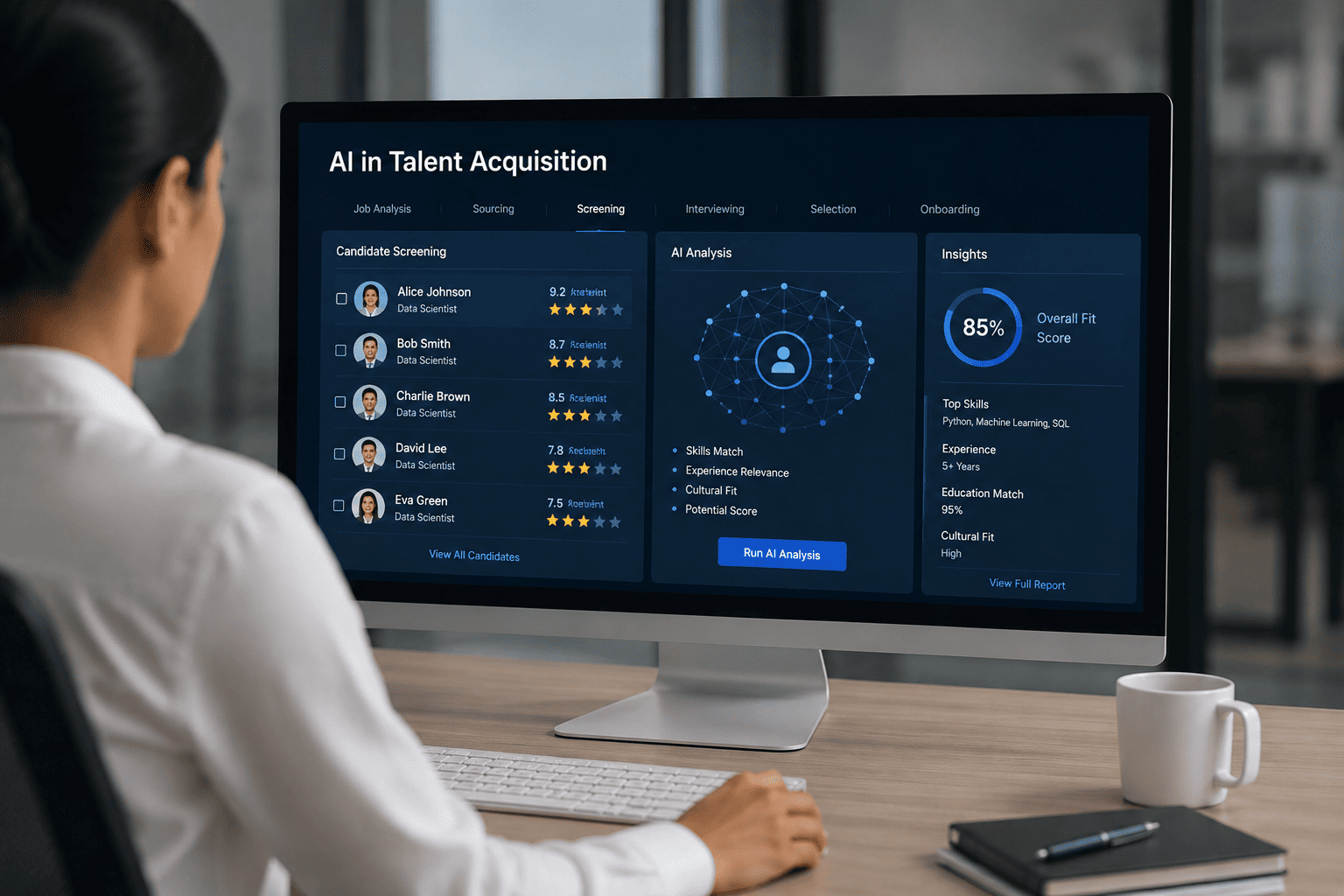
Candidate Profiling With AI: Noota Taalent
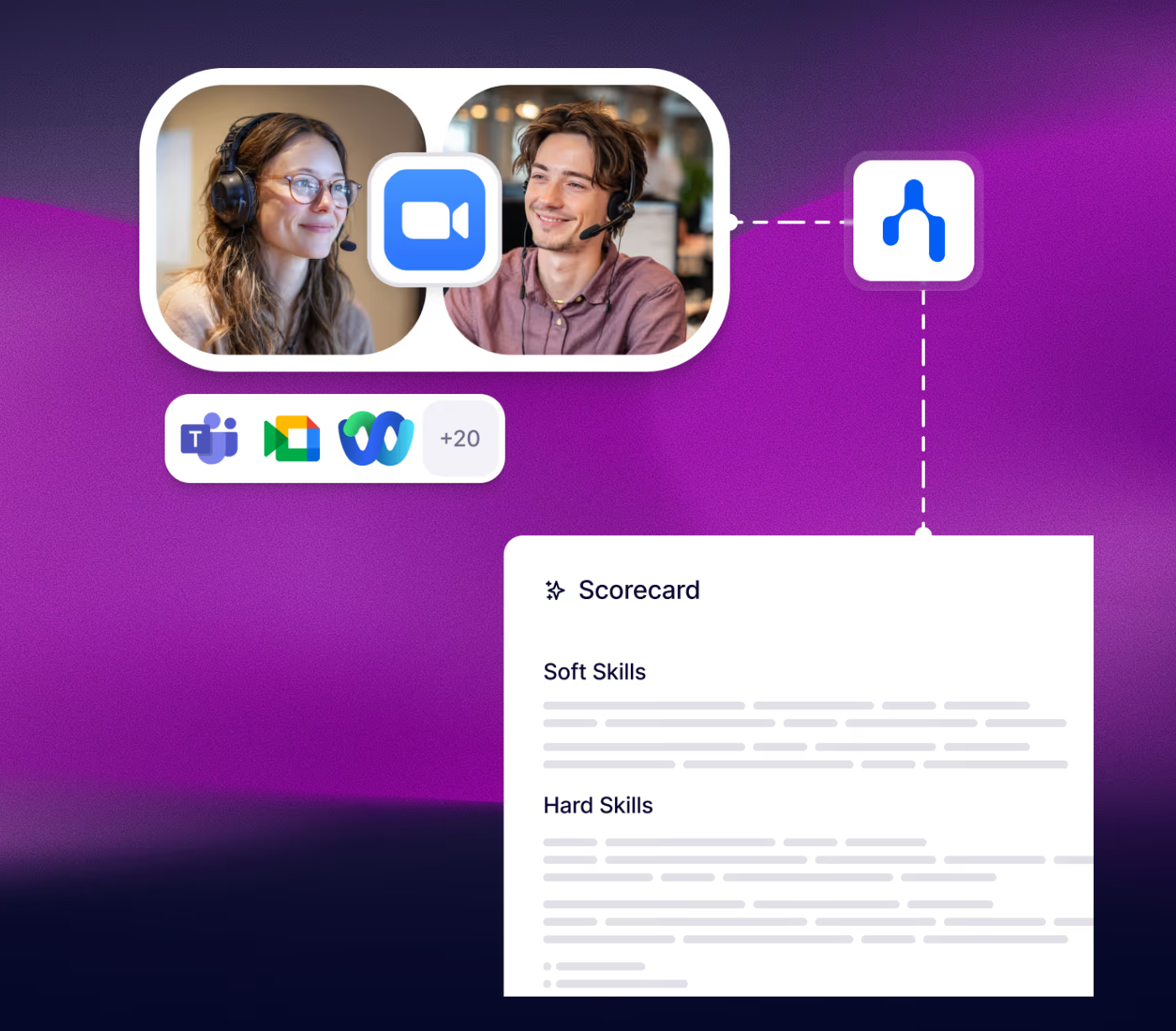
Candidate profiling is useful, but it can take time.
That is where Noota Taalent can help.
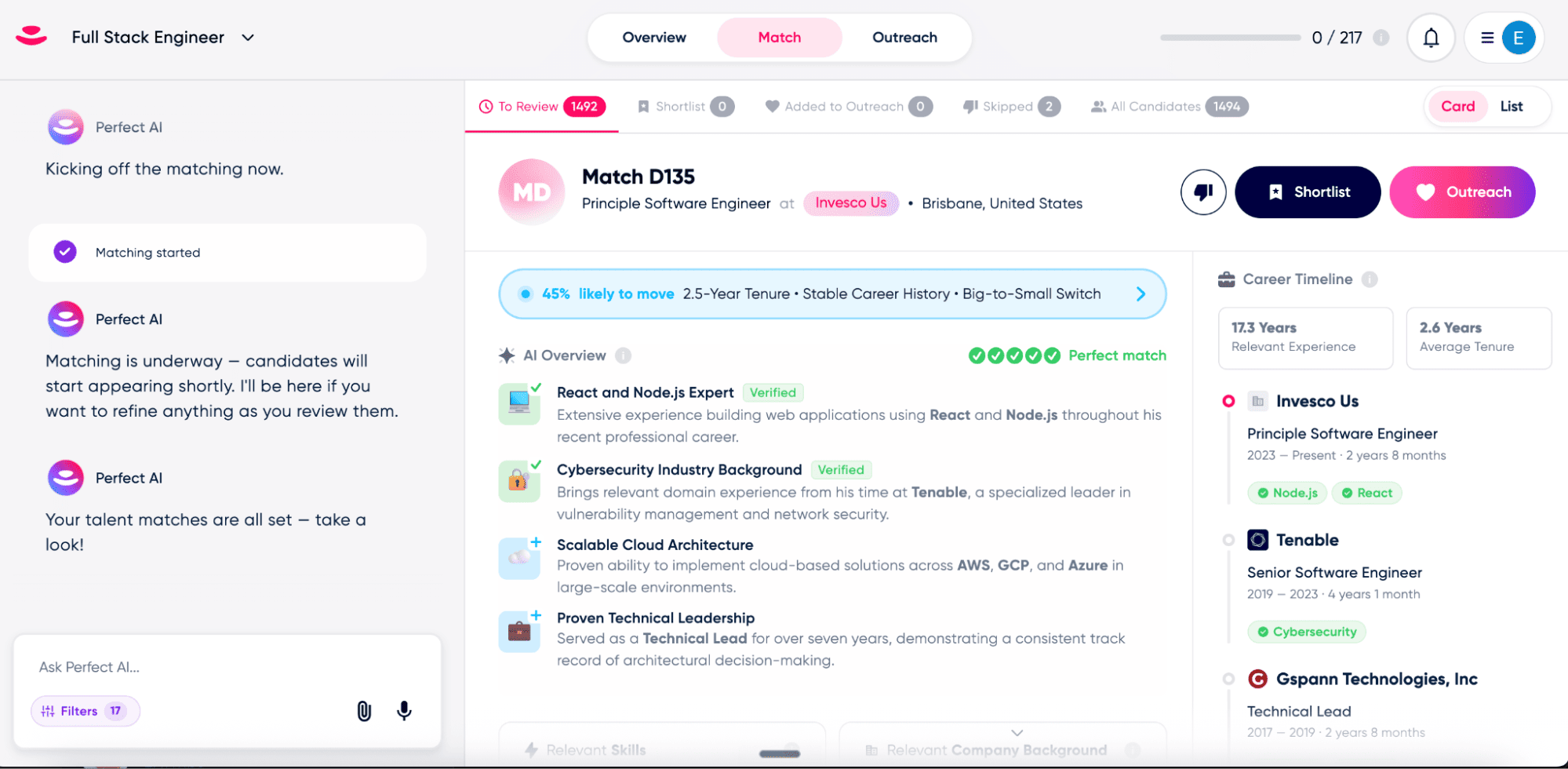
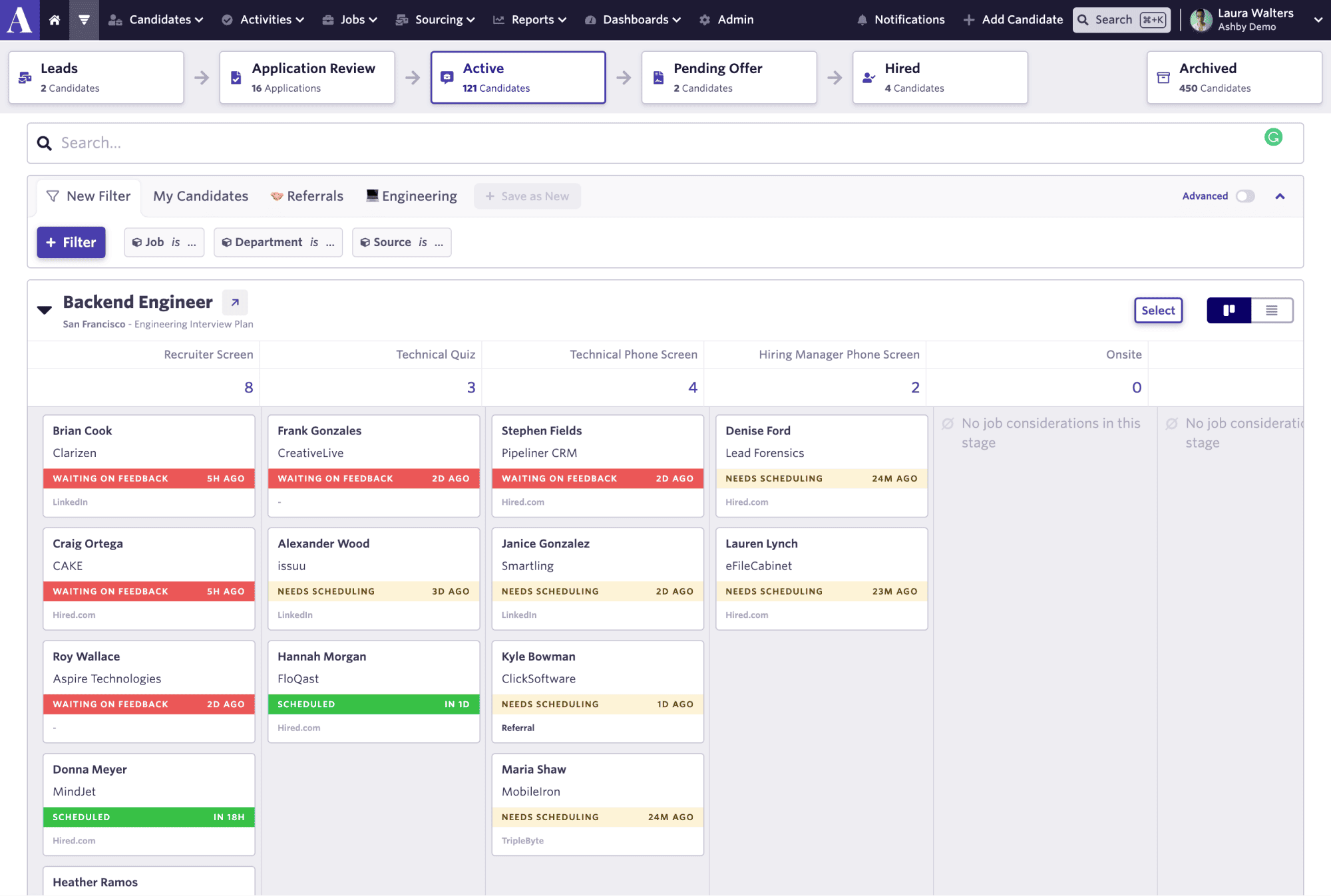
It automatically generates detailed candidate profiling based on your expectations :
- Generate structured candidate profiles from interviews, screening calls, and hiring data.
- Centralize candidate information such as reports, scores, interview notes, and evaluation results.
- Score candidates with the same criteria across profiles, making comparisons easier and more consistent.
- Compare candidates side by side using scorecards, so your team can evaluate the same criteria and make more objective decisions.
- Fill candidate fields in your ATS with information like technical skills, salary expectations, and interview summaries.
Try Noota Taalent Candidate Profiling For Free Here
FAQ
What is candidate profiling in recruitment?
Candidate profiling is the process of defining what a successful candidate should look like before your team starts sourcing, screening, or interviewing.
It helps you describe the skills, experience, competencies, motivations, and success signals that matter for a specific role. LinkedIn defines a candidate persona as an in-depth description of the qualifications, skills, and personal traits a company would ideally like in a new hire, which is closely related to candidate profiling.
The difference is that candidate profiling is usually more operational.
Your candidate profile should not only describe the “ideal candidate.” It should help your team evaluate real people during the hiring process.
Why is candidate profiling important?
Candidate profiling helps your team hire with more clarity.
Without it, every interviewer may use different criteria. One person may care about years of experience. Another may focus on personality. Another may rely on gut feeling.
That creates inconsistent decisions.
With a clear candidate profile, your team can:
- Align recruiters and hiring managers.
- Define what success looks like.
- Source more relevant candidates.
- Ask better interview questions.
- Compare candidates more fairly.
- Reduce vague feedback after interviews.
It also helps you avoid wasting time.
When your team agrees on the profile upfront, your recruiters know who to look for and your hiring managers receive better shortlists.
What should a candidate profile include?
A good candidate profile should include enough information to guide sourcing, screening, interviews, and final decisions.
You can include:
- Role mission.
- Key outcomes.
- Must-have skills.
- Nice-to-have skills.
- Behavioral competencies.
- Motivation signals.
- Salary and location requirements.
- Availability.
- Red flags.
- Interview questions.
- Evaluation scorecard.
The most important point is to keep the profile practical.
If it becomes too long, your team will not use it.
If it becomes too vague, it will not improve your hiring decisions.
What is the difference between a candidate profile and a job description?
A job description is written for candidates.
It explains what the role is, what the company does, what responsibilities the person will have, and why they may want to apply.
A candidate profile is written for your hiring team.
It defines the person you want to find and how you will evaluate them.
So the job description helps you attract candidates.
The candidate profile helps you select candidates.
Both documents should be connected, but they do not serve the same purpose. LinkedIn’s candidate persona template also explains that, once finalized, a persona can inform job descriptions and interviews, which shows how the internal profile can shape the whole hiring process.
How do you create a good candidate profile?
Start with the role outcomes.
Ask your hiring manager what the person should achieve in the first 90 days, 6 months, and 12 months. Then translate those outcomes into skills, competencies, and evidence your team can evaluate.
You should also separate requirements clearly:
- Must-have: The candidate cannot succeed without it.
- Nice-to-have: Useful, but not essential.
- Trainable: Something your team can teach.
- Deal-breaker: A real blocker for the role.
Then build interview questions and scorecards around those criteria.
Google’s structured interviewing guide recommends using planned, relevant interview questions and a clear scoring guide to improve consistency.
How does candidate profiling reduce hiring bias?
Candidate profiling can reduce bias by forcing your team to define evaluation criteria before meeting candidates.
This matters because interviews can become subjective quickly.
If one candidate is judged on technical skills and another is judged on personality, your process is not consistent.
A structured profile helps every interviewer evaluate the same role-related criteria. Scorecards are useful here because they help interviewers compare candidates against the same expectations instead of relying only on impressions.
But profiling does not remove bias automatically.
Your criteria still need to be fair, relevant, and job-related.
Leverage your Interview Data
AI interview notes, scorecard, follow-up, ATS integration, and more...

Jean-marc is an AI expert helping recruiters & professionnals leverage these tools in their everyday work.
Related articles
.webp)
.png)

Forget manual sourcing and screening.
try Taalent now
FAQ
In the first case, you can directly activate recording as soon as you join a videoconference.
In the second case, you can add a bot to your videoconference, which will record everything.
Taalent also enables you to translate your files into over 30 languages.


.svg)